Pick, then paint.
The hue wheel, swatches, HSV and hex controls stay visible together. Hold C for the eyedropper, or choose Pick in the toolbar to keep sampling.
Washes that behave like paint.
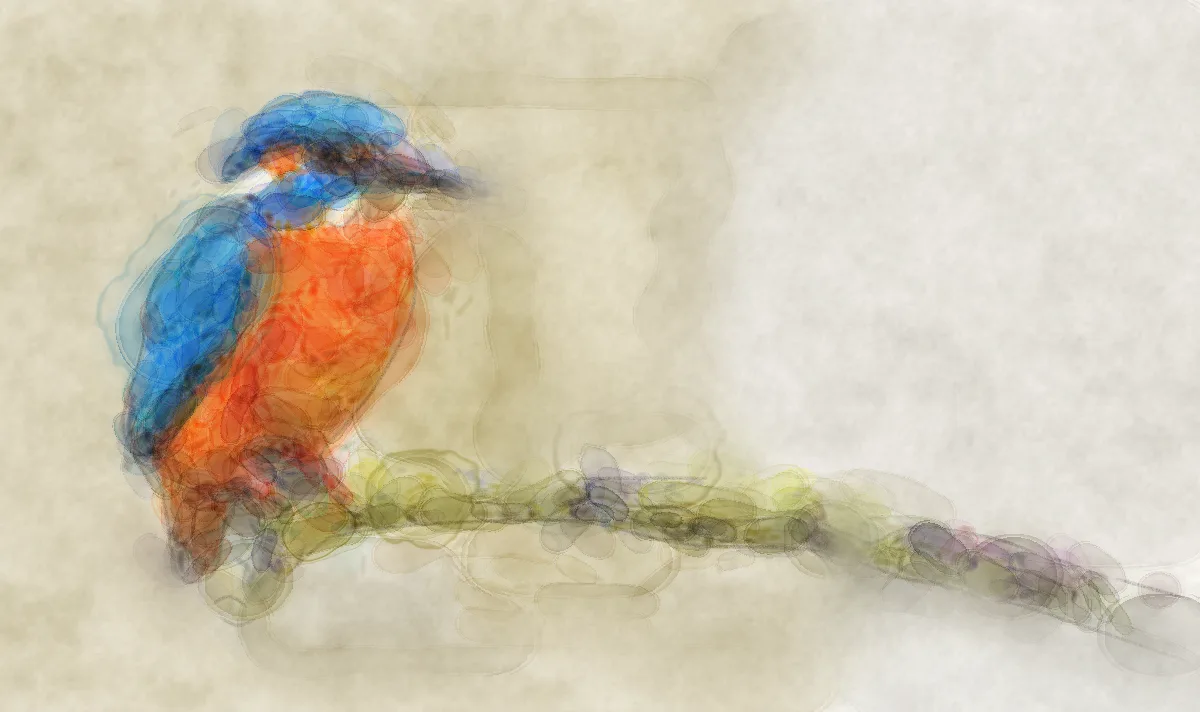
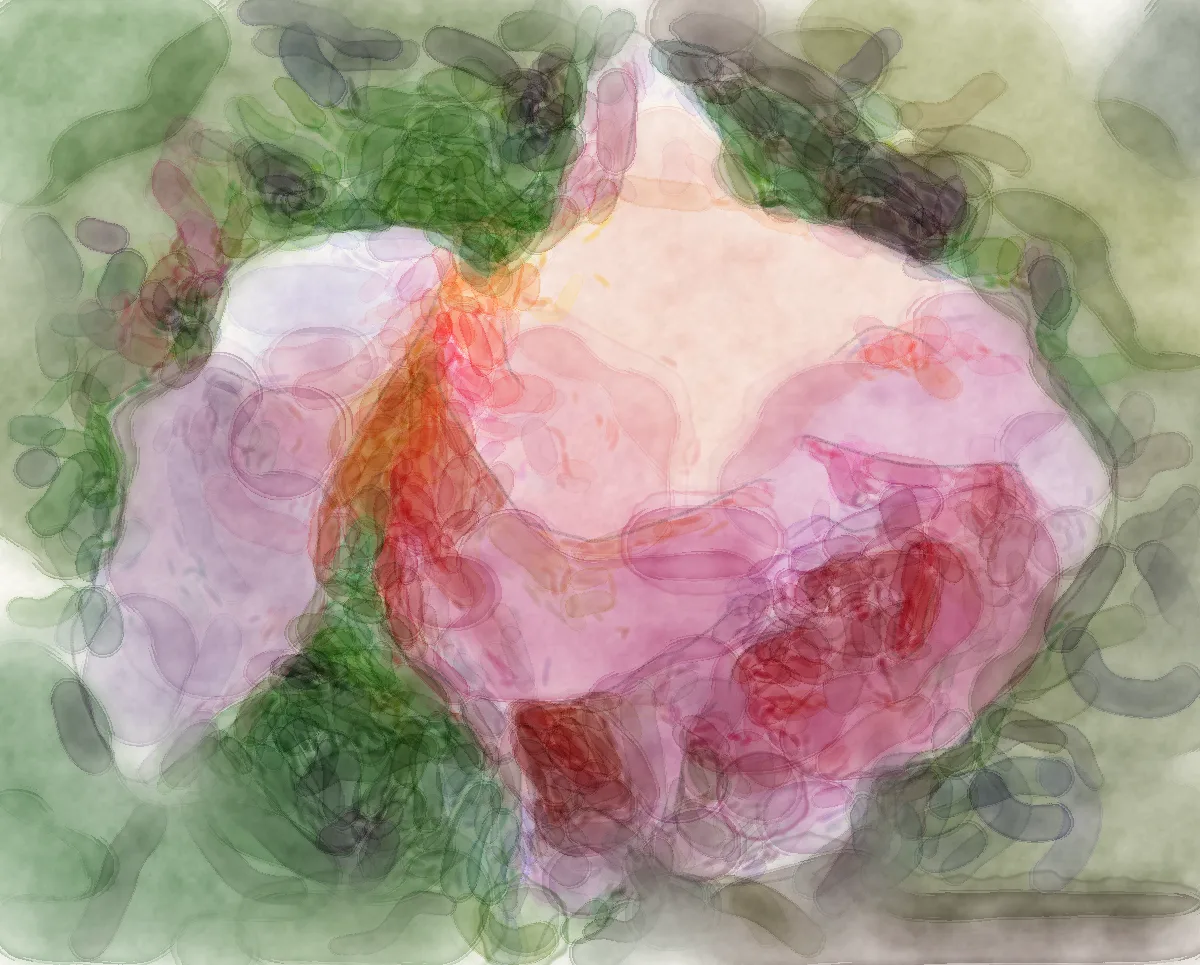
Each watercolour stroke settles as one wash: pigment gathers along its edge, overlapping passes merge, and Wash glazes like transparent paint, so blue over yellow reads green without lightening your pencil lines. Granulation settles into the paper or canvas surface you choose.
Paint with real pigments.
Flip the swatch column's Palette | Pigments switch for twelve named watercolour pigments, from French Ultramarine to Burnt Sienna and Payne's Grey. Badges show which ones granulate into the paper texture and which ones stain and resist lifting; each brush's texture scales with the pigment you choose.
Dry brush, spatter and salt.
Brush Designer's Advanced watercolour section adds strokes that run dry into broken tails, dry brush that skips the paper's tooth (strongest on Rough paper), flicked spatter and mist, salt starbursts and blotting that lifts colour without spreading it. Watercolour brushes now reach size 256.
Wet into wet.
The Washes & Wet brushes spread and soften fresh pigment. Paint into a stroke while it is still damp and the edges feather into a frilled bloom. Pure Water lifts colour where you brush and pushes it into a soft backrun at the water’s edge, from a damp blend to a drenched flood. Pick Damp blend to soften dark patches, Wet blend for gentle movement, or Drenched for a spilled-water flood. Brush Designer adds Wetness, Bloom and Lift beside spread, drying time, mixing, paper resistance and pooling, and its test pad starts with painted washes when you edit a water brush. Earlier strokes keep their saved look.
Drips that run.
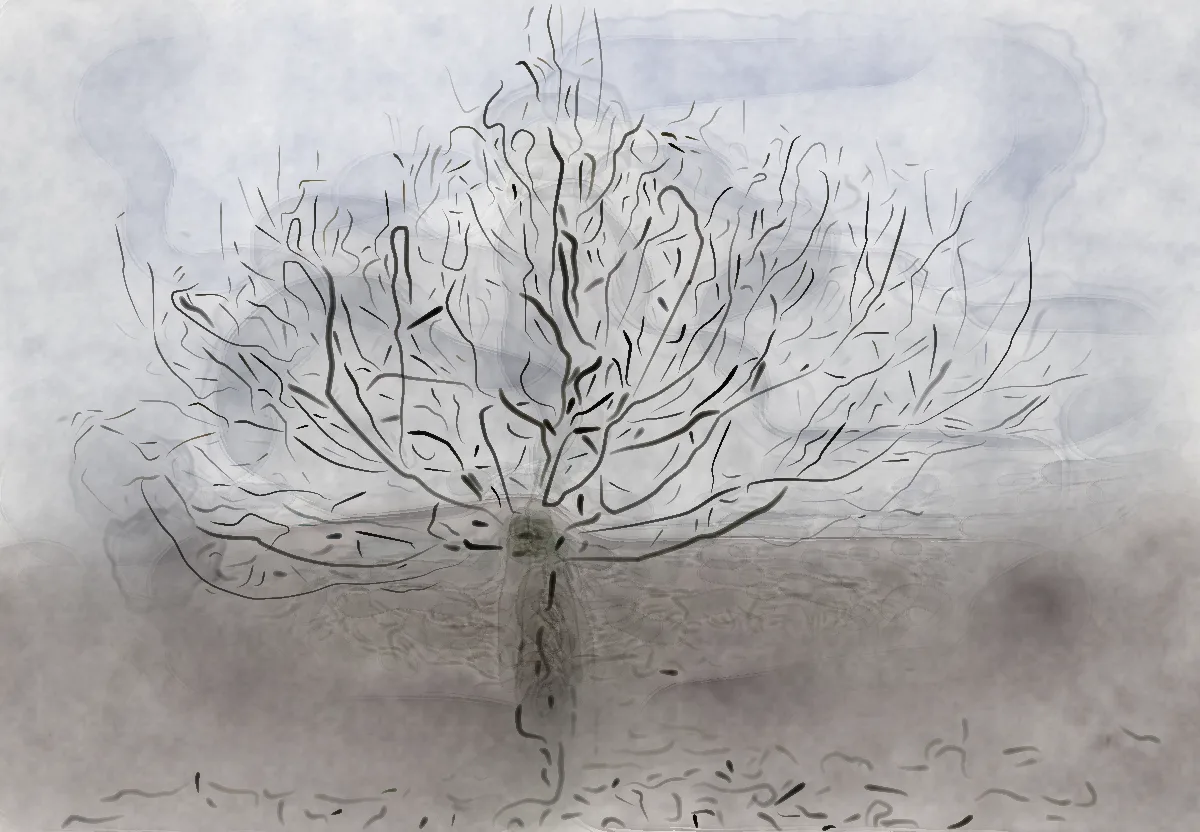
Turn up Drips in Advanced watercolour and wet paint runs down the screen as it dries, starting while you paint. A run stays put once it has formed, even as you keep painting; drips into paint that's still wet nearby can come out a touch shorter. Runs stay attached to the stroke and are never darker than it; shape them with source, trail fade, bead opacity, variation and wander. Experimental Drips follow rotation in Settings turns running drips as you rotate the canvas.
Masking fluid and gold.
Paint Masking fluid to protect the paper: it shows as a pale-yellow tint, blocks watercolour on its layer and never exports, and Remove masking fluid lifts it to reveal what it saved. Metallic and Flake give opaque, glinting ink: irregular mica-like flakes scattered at random, with a Flake size variation control to mix small and large ones. Try the Gold ink pen, Shimmer wash or Gold flecks; silver keeps a bright, cool shine even on dark paper.
Fill a shape in one wash.
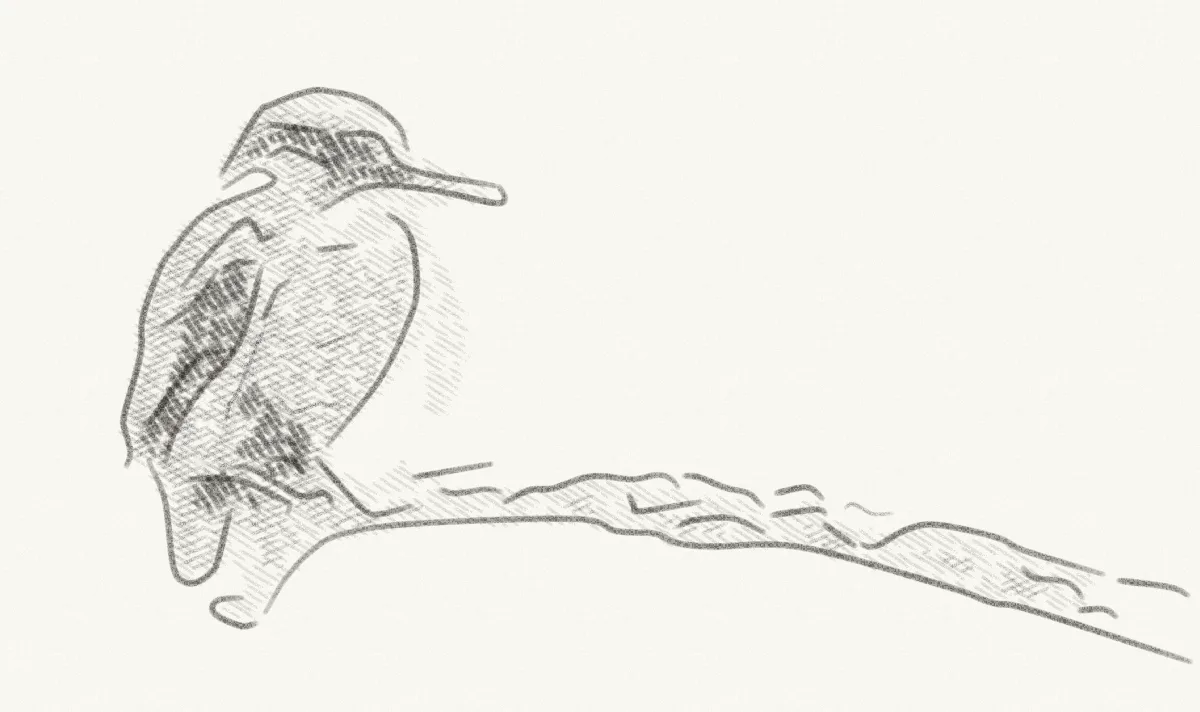
Choose the lasso or press L, draw a loop, and it fills with one ordinary stroke of your brush and colour. Graded wash fill fades it towards the bottom of the screen and is remembered. One Undo removes it.
Your workspace, your way.
Draw, Erase and Pick sit beside Guides, Export and Navigate in a compact toolbar. File lists your recent sketches, View controls display and section visibility, View uses clear pen-sized switches for panels and sections, and Canvas previews each paper and canvas surface with a row of paper tints. Every inspector section folds from the same header, and Colour can shrink to a single row of swatches. Pin the inspector on the right, or float it, move it and drag its corner to change its height. Drag handles leave keyboard focus on your workspace; Escape cancels an adjustment.
Make room to draw.
Colour stays visible at the top; Less folds its HSV, hex and recent controls while leaving the wheel and swatches ready. The active tool settings scroll below it. D hides the panel; Tab hides all controls.
Your colours, together.
Ten recent colours sit below the wheel. Save them as a palette or add the current colour to one. Manage up to 31 custom palettes of 32 colours; Save keeps a draft, Cancel discards it.
Keep what already works.
Palettes are shared with the brush designer; brushes remember their own colour and blend. Graphite restores original pigment. Earlier strokes stay unchanged, and your panel layout is remembered.